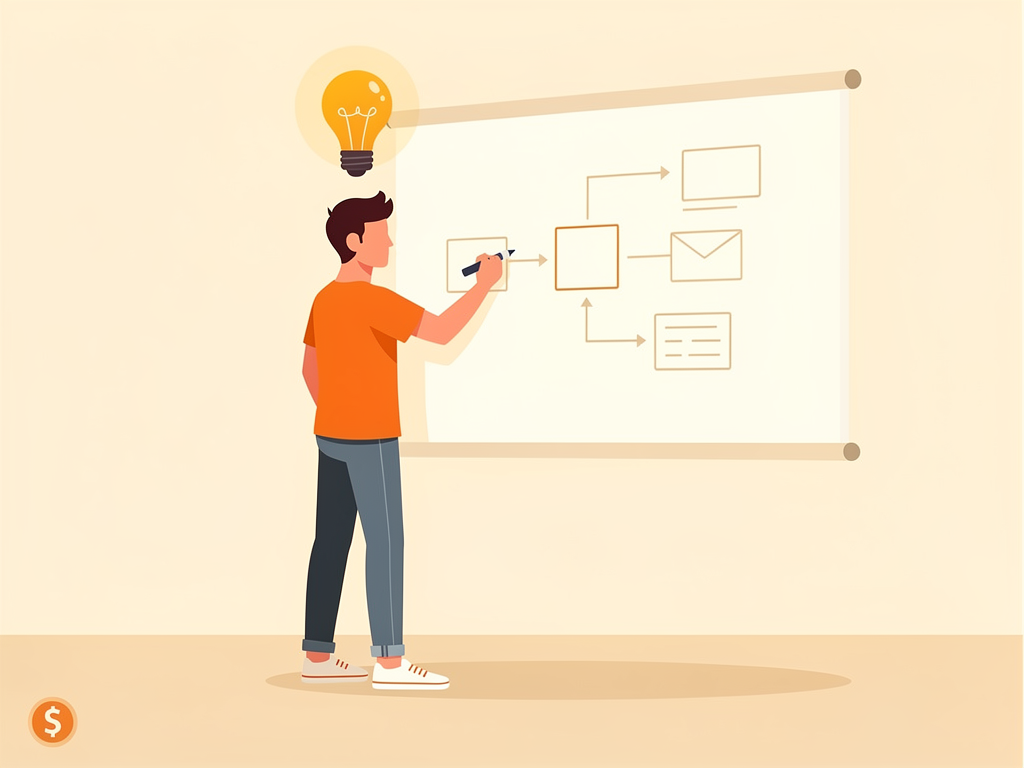
A startup's first explainer video doesn't need a $50,000 production budget. A 2-minute whiteboard animation—narrated, animated, and published—can cost as little as $58 in credits on a monthly plan, or even free if you use your signup credits wisely. The trade-off is real: you're not getting Hollywood polish, but you're getting clarity, speed, and a format that holds attention better than a talking-head founder video or a static slide deck.
Whiteboard explainers work for startups because they solve three problems at once: they're cheap to produce, they're fast to iterate on (no casting, no location scouting, no reshoots), and they convert. A 90-second whiteboard video explaining your SaaS product or marketplace can live on your homepage, in your pitch deck, in investor emails, and on LinkedIn—and each one costs the same to make.
Here's what you need to know to ship your first one.
Why do whiteboard videos work better than other formats for early-stage startups?
Whiteboard videos work because they match how your brain learns. When someone draws a concept in real time—even a simple stick figure or a box—your brain treats it as a live explanation, not a pre-recorded pitch. That sense of presence keeps drop-off rates low. Studies on explainer video formats show whiteboard and animation outperform live-action for abstract products (SaaS, fintech, B2B tools) because there's no uncanny valley—a drawing of a workflow is clearer than an actor pretending to use your app.
For startups, the format also solves a credibility problem. A founder on camera can feel salesy. A whiteboard explanation feels educational. Investors and prospects let their guard down because the medium itself says "I'm explaining something, not selling something."
The speed advantage is underrated. A traditional video shoot takes weeks: scripting, casting, location, crew, shoot day, edit, revisions, color grade. A whiteboard video from script to final render takes 2–3 days, and you can rewrite the script and regenerate it in 30 minutes if your first take misses the mark.
How much does it actually cost to make a whiteboard explainer for a startup?
The math depends on length and whether you use Enhance mode, but here's the baseline: a 2-minute whiteboard video costs 2 credits minimum (the platform's floor per video). A 5-minute video costs 5 credits. If you add Enhance mode—which doubles the number of scenes for smoother transitions and richer visuals—the cost doubles: 5 credits becomes 10.
On the Starter plan ($29/month, 15 credits), you can make 7–8 standard 2-minute videos per month, or 3–4 with Enhance. On the Plus plan ($69/month, 40 credits), you can make 20 standard videos or 10 enhanced ones. Most startups ship 1–2 explainers per month (one for the homepage, one for a feature launch or investor update), so the Starter plan covers it.
If you only need one video, use your 2 free credits on signup and buy a $10 top-up (5 credits). That's $10 total for your first explainer. If you need a second one, upgrade to Starter for a month ($29), make 7–8 videos, then downgrade. The plan takes effect immediately on upgrade and at the next billing date on downgrade, so you're not locked in.
For a bootstrapped startup, this is 80–90% cheaper than hiring a freelance animator ($2,000–$5,000 per video) or a production house ($10,000+).
What should a startup's explainer video script cover?
Your script should answer one question: "What problem does this solve, and how?" Anything else is filler.
Start with the problem in one sentence. "Founders waste 10 hours a week on manual investor updates." Then show the solution in action: "With [Your Product], you write once and it auto-formats for email, Slack, and your cap table." Then the payoff: "You save 10 hours a week and investors always have fresh data."
That's 90 seconds. If you have 2 minutes, add one use case or a stat that proves the problem is real. If you have 3 minutes, add a second use case and a call to action.
Whiteboard scripts work best when they're visual. Instead of "Our platform integrates with 50 tools," write "You connect Salesforce, Slack, and HubSpot in one click." The AI will draw boxes and arrows; you're giving it concrete nouns, not abstractions.
Avoid jargon. If you're pitching to founders, you can say "ARR." If you're pitching to end users, say "annual revenue." Whiteboard videos are watched by mixed audiences—investors, prospects, partners, employees—so err toward clarity.
Keep it to 150–200 words per minute of video. A 2-minute script is 300–400 words. That's tight, but it forces you to cut the noise.
How do you turn a startup pitch into a whiteboard video?
Start with your pitch deck or a one-page product brief. Extract the core narrative: problem, solution, proof, call to action. Write it as a script (not bullet points—full sentences that sound like speech, not a memo).
Then choose your input method. You can paste the script directly, upload a PDF of your pitch deck, or upload a reference image (a wireframe, a mockup, or a sketch of your workflow). The AI will generate scenes that match your narrative and your visual reference.
If you paste a script, the AI narrates it in one of 13 languages via text-to-speech. If you want your own voice, record a 10-second clip once and the AI will clone it across all 13 languages (Pro plan and up). That's useful if you're a non-native English speaker or if you want your founder's voice on every video.
After generation, you can add a custom logo, burned-in captions, and an SRT file for accessibility. Most startups ship the video as-is, but you can download the SRT and drop it into your website player for better SEO and accessibility.
The whole process—script to final video—takes 10–20 minutes of your time plus 5–10 minutes of render time.
What's the difference between a standard and an Enhance whiteboard video?
Enhance mode doubles the number of scenes in the same video. Instead of one box appearing and then an arrow, you get the box appearing, then the arrow appearing, then a label appearing—three scenes instead of one. The result is smoother, more polished, and faster-paced.
For a startup, Enhance is worth it if you're using the video for investor pitches, your homepage, or a launch announcement. It looks more professional and holds attention longer. If you're making a quick internal training video or a LinkedIn post, standard mode is fine.
Enhance costs 2× the credits (a 5-minute video goes from 5 to 10 credits), so it's a tradeoff. On the Starter plan, you can make 3–4 Enhance videos per month instead of 7–8 standard ones. Most startups do a mix: Enhance for the hero video on the homepage, standard for follow-ups.
Can you iterate on a whiteboard video if the first version misses the mark?
Yes, and it's fast. If your first script doesn't land, rewrite it and regenerate. You'll spend the same credits, but you'll get a new video in 10 minutes instead of waiting a week for a freelancer's revision.
This is the biggest advantage of AI video for startups: you can A/B test messaging. Make a 2-minute video explaining your product as a time-saver. Make another explaining it as a cost-reducer. Show both to 100 prospects and see which one gets more clicks. Then double down on the winner.
With traditional video, that experiment costs $10,000. With whiteboard AI, it costs 4 credits ($8 if you're buying top-ups, or included in your monthly plan).
Failed renders are auto-refunded—you don't spend credits on a video that didn't finish—so there's no penalty for experimenting.
What's the best way to use a whiteboard video in your startup's marketing?
Put it on your homepage above the fold, before the feature list. If a visitor watches 30 seconds of your explainer, they're 3× more likely to sign up than if they only read headlines.
Use it in your pitch deck. Replace the "Here's what we do" slide with a 90-second video. Investors will remember it better than a bullet list.
Post it on LinkedIn, Twitter, and YouTube. A 2-minute explainer is long enough to be useful and short enough to hold attention in a feed. Add captions (the platform generates them) so it plays without sound.
Send it in investor emails. Instead of a long email explaining your product, link to a 2-minute video. It's more respectful of their time and more likely to get watched.
Use it in onboarding. New users often churn because they don't understand how to use your product. A 3-minute whiteboard walkthrough cuts churn by 15–20%.
Make one per quarter as your product evolves. Your first video explains the core problem and solution. Your second video (three months later) shows a new use case or a feature launch. Your third video (six months later) shows a customer success story or a competitive advantage. Each one costs the same to make, so you're building a library of proof over time.
Should a startup invest in voice cloning or stick with AI narration?
For your first video, use the default AI voice. It's professional, clear, and requires no setup. If you're making 10+ videos, voice cloning is worth it because it adds personality and consistency.
Voice cloning works like this: you record a 10-second clip of yourself or your founder speaking. The AI clones that voice and narrates every video in your chosen language. If you want native pronunciation in Spanish, German, or Mandarin, you can record a native speaker for each language, and the AI will use the right voice for each market.
This is a Pro plan feature and up, so it adds $119/month to your cost. For a seed-stage startup, that's probably overkill. For a Series A startup doing investor roadshows in multiple countries, it's a nice touch.
Most startups ship 2–3 videos with the default voice, then upgrade to Pro to add voice cloning for the next batch. By then, you've validated that video works for your business.
How do you measure if a whiteboard video is working?
Track these metrics:
- Homepage video play rate: What % of visitors click play? If it's under 10%, your thumbnail or headline isn't compelling. If it's over 30%, you've nailed it.
- Average watch time: How far do people get before they drop off? If most people watch 60+ seconds of a 2-minute video, your script is working. If they drop at 20 seconds, the opening is weak.
- Conversion rate by video viewers vs. non-viewers: Compare the signup rate of people who watched the video to people who didn't. If video watchers convert 2–3× better, the video is doing its job.
- Click-through rate from email: If you send a video link in an investor email, how many click? If it's over 40%, the video is a better hook than text.
- Social engagement: On LinkedIn, does the video get more shares and comments than your text posts? If yes, repurpose it into a series.
Most startups see results within 2 weeks. If your video isn't moving the needle after a month, rewrite the script and try again. The cost of iteration is low enough that you can afford to experiment.
Conclusion
Whiteboard explainers are the fastest, cheapest way for a startup to explain what it does at scale. A 2-minute video costs 2 credits (as little as $10 if you're buying top-ups, or $29/month on the Starter plan), takes 20 minutes to make, and can run on your homepage, in your pitch deck, and across social media for months. You can iterate in days instead of weeks, test messaging against your audience, and build a library of proof as your product evolves.
The format isn't right for every startup—if you're selling a physical product or a luxury service, live-action video might work better. But for SaaS, fintech, B2B tools, marketplaces, and anything abstract, whiteboard is the default. Start with one video, measure the results, and decide if it's worth making more.
Try Ankon AI — 2 free credits on signup, no card required. That's enough for one 2-minute explainer to test the format on your audience.