Why Whiteboard Videos Outperform Other Launch Content
When you launch a product or feature, your audience is drowning in noise. A polished demo video gets lost in the feed. A wall of text on your landing page gets skipped. A whiteboard explainer video—one that draws the problem, builds the solution in real time, and narrates it clearly—stops the scroll and holds attention long enough for the idea to stick.
Whiteboard videos work for product launches because they mimic how a human would explain something to you in person. The hand-drawn aesthetic feels less corporate and more trustworthy than a slick 3D render. The pacing—one element at a time, building on the last—makes complex features digestible. And the narration ties everything together so viewers don't have to guess what they're looking at.
The result: higher engagement rates, lower bounce rates on landing pages, and more qualified leads. A whiteboard video on a product launch page can increase conversion by 20–30% compared to text or static images alone, because it answers the question "What is this and why should I care?" before the viewer has to ask it.
What Makes a Product Launch Video Different from Other Explainers
A product launch whiteboard video is not a how-to tutorial or a general educational explainer. It's a sales tool with a specific job: convince someone that a problem they have is real, show them your solution works, and make them want to try it.
That means the structure is different. Instead of starting with "Here's what this product does," you start with the pain point. You show the friction your audience experiences today. Then you introduce your product as the relief. Finally, you show the payoff—what becomes possible once they use it.
A launch video is also shorter and tighter than an educational explainer. A 2–3 minute whiteboard video is ideal for a landing page or social media. It respects the viewer's time and keeps the message focused. You're not trying to teach someone everything; you're trying to make them curious enough to click "Learn More" or "Start Free Trial."
The tone matters too. Launch videos are more conversational and direct. They speak to a specific audience (e.g., "If you're a freelancer managing five clients...") rather than a broad crowd. That specificity makes viewers feel seen and more likely to engage.
How to Structure a Product Launch Whiteboard Video
A strong launch video follows a proven arc:
1. Open with the problem (0–15 seconds) Don't start with your product name. Start with a situation your audience recognizes. "You're juggling three different tools to manage your team's tasks." "Your data lives in five spreadsheets." "You spend 10 hours a week on admin work that doesn't move the needle." This is the hook. If the viewer doesn't see themselves in the problem, they'll stop watching.
2. Show the cost of the problem (15–30 seconds) Make the pain tangible. Lost time. Wasted money. Missed opportunities. Stress. "That's 500 hours a year you could spend on strategy instead." "You're paying for tools that don't talk to each other." This is where you build the case for why your solution matters.
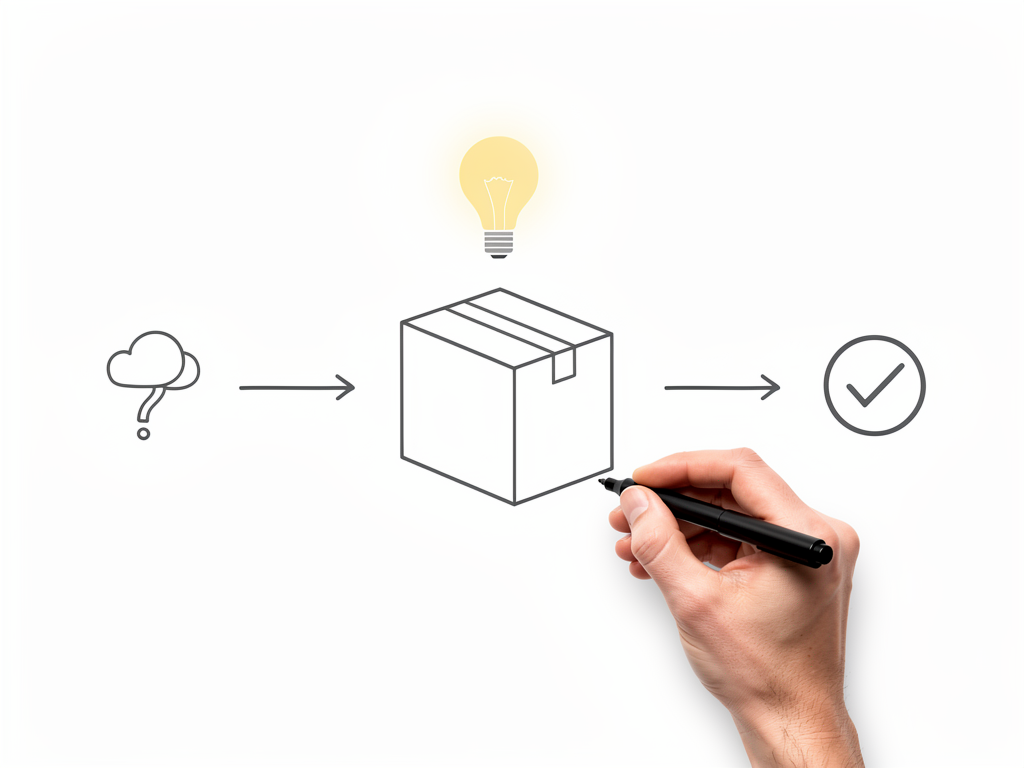
3. Introduce your product (30–60 seconds) Now reveal your solution. Show how it works in simple steps. Use the whiteboard to draw the flow: input → process → output. Keep it visual and avoid jargon. If your product has a name or logo, this is where it appears. But don't linger on branding; focus on what it does.
4. Show the payoff (60–90 seconds) What becomes possible? "Now you manage everything in one place." "Your data syncs automatically." "You reclaim 10 hours a week." Paint the picture of the better state. This is emotional—it's not just features, it's freedom, clarity, or confidence.
5. Close with a call to action (90–120 seconds) "Try it free for 14 days." "Watch a 5-minute demo." "Join 5,000+ teams already using it." Make the next step obvious and low-friction.
This structure works because it mirrors how humans make decisions: they feel the problem, understand the solution, and then decide if it's worth their time. A whiteboard video that follows this arc will outperform one that just lists features.
Scripting a Launch Video That Converts
The script is everything. A great script makes the whiteboard animation do half the work; a weak script leaves the visuals stranded.
Write for the ear, not the eye. Read your script aloud. If it sounds stiff or corporate, rewrite it. Launch videos should sound like a smart friend explaining something over coffee, not a press release.
Use short sentences. "Your team uses Slack. They use Asana. They use Google Drive. Three tools. Three logins. Three sources of truth." This rhythm is faster and more engaging than "Your team is fragmented across multiple collaboration platforms."
Be specific. Instead of "Save time," say "Reclaim 8 hours a week." Instead of "Improve collaboration," say "Your designer and developer see the same version of the file, so there's no back-and-forth." Specificity builds credibility and makes the benefit real.
Name your audience. "If you're a product manager..." or "For teams managing remote projects..." This makes viewers feel like the video was made for them, not for everyone.
Avoid feature dumps. Don't list 15 things your product does. Pick the three that matter most to your launch audience and focus on those. A whiteboard video that tries to cover everything will confuse instead of convert.
End with a clear, single call to action. Don't ask viewers to do three things. One next step. "Start your free trial" or "Book a demo." That's it.
When to Use Whiteboard Videos in Your Launch Campaign
Whiteboard videos are most effective in specific moments of the launch funnel:
Landing page hero section. A 2–3 minute whiteboard video above the fold will stop visitors and communicate your value prop faster than any headline. Pair it with a clear CTA button below the video.
Email campaigns. A link to a whiteboard video in a launch announcement email will get clicked more than a link to a long-form blog post. The video preview thumbnail (a frame from the animation) is also more eye-catching in an inbox.
Social media. A 60–90 second cut of your launch video works well on LinkedIn, Twitter, or YouTube. The hand-drawn aesthetic stands out in a feed of polished ads. Add captions so viewers can follow along without sound.
Sales deck. If your sales team is pitching the new product to prospects, a 2-minute whiteboard video embedded in the deck is a powerful way to explain the value prop without the salesperson having to talk through it.
Onboarding. Once someone signs up, a whiteboard video that walks them through the core workflow reduces support tickets and improves activation rates.
The key is matching the video length and tone to the channel. A 3-minute video works on a landing page; a 90-second cut works on social media.
Common Mistakes to Avoid
Starting with features instead of the problem. "Our product has AI-powered analytics" is not a hook. "You're making decisions based on incomplete data" is. Always lead with the problem.
Overloading the script. A whiteboard video that tries to explain too much will overwhelm the viewer. Stick to the core story. Save the detailed feature walkthrough for a separate how-to video or documentation.
Using generic language. "Streamline your workflow" and "Maximize efficiency" are clichés. Be specific about what your product actually does and who it's for.
Ignoring the visual. The whiteboard animation should reinforce the script, not distract from it. If the drawings are too complex or the pace is too fast, viewers will get lost. Keep visuals simple and let the narration guide the story.
Forgetting the call to action. A great launch video that ends with no clear next step is a missed opportunity. Always tell viewers what to do next.
Making it too long. A 5-minute launch video is too long for most channels. Aim for 2–3 minutes. If you have more to say, make a separate deep-dive video.
Tools for Creating Launch Whiteboard Videos
Creating a whiteboard video used to require hiring an animator or learning complex software. Now, AI-powered tools make it fast and affordable.
Ankon AI is built for this exact use case. You paste your launch script, and the tool generates a whiteboard animation with AI narration in minutes. The Enhance mode doubles the number of scenes for smoother transitions and a richer visual experience—useful when you want the video to feel polished for a major product launch. You can also upload a PDF or reference image to guide the animation, so if you have a wireframe or mockup of your product, the tool will incorporate it into the video.
The credit model is simple: 1 credit = 1 minute of finished video (2-credit minimum). A typical 2–3 minute launch video costs 2–3 credits. The Starter plan includes 15 credits a month for $29, which is enough for 5–7 launch videos. If you're running multiple launches or want to create variations for different audiences, the Plus plan ($69/mo, 40 credits) gives you more room to experiment. You also get 2 free credits on signup to test the tool before committing to a plan.
Other tools like Doodly or Powtoon also create whiteboard videos, but they require more manual work—you're drawing or positioning elements yourself rather than letting AI generate the animation from your script. That's slower and less ideal for a tight launch timeline.
Measuring Success: What to Track
After your launch video goes live, measure its impact:
Video completion rate. What percentage of viewers watch the entire video? If it's below 50%, your script or pacing needs work. Aim for 70%+.
Click-through rate on the CTA. How many viewers click "Start Free Trial" or "Learn More" after watching? This is the real metric that matters for a launch.
Landing page conversion rate. Compare the conversion rate of pages with the whiteboard video to pages without it. A 20–30% lift is realistic.
Time on page. Visitors who watch the video typically spend more time on the page, which signals engagement.
Social media engagement. If you post the video on LinkedIn or Twitter, track likes, comments, and shares. A whiteboard video often outperforms other content types on social.
Support tickets. If the video clearly explains the product, you should see fewer "How do I...?" questions in your support queue.
Use these metrics to iterate. If completion rates are low, trim the script. If CTR is low, make the CTA button more prominent or test a different call to action. Launch videos are not set-and-forget; they're a tool you refine based on real user behavior.
The Bottom Line
A whiteboard explainer video is one of the highest-ROI assets you can create for a product launch. It communicates your value prop faster than text, builds more trust than a polished ad, and drives more conversions than a feature list. The key is to lead with the problem, show your solution clearly, and end with a single, obvious next step.
The best launch videos are short (2–3 minutes), specific (named audience, concrete benefits), and focused (one core story, not a feature dump). If you script it well and animate it cleanly, a whiteboard video will become the centerpiece of your launch campaign—the asset that stops the scroll, holds attention, and turns viewers into users.