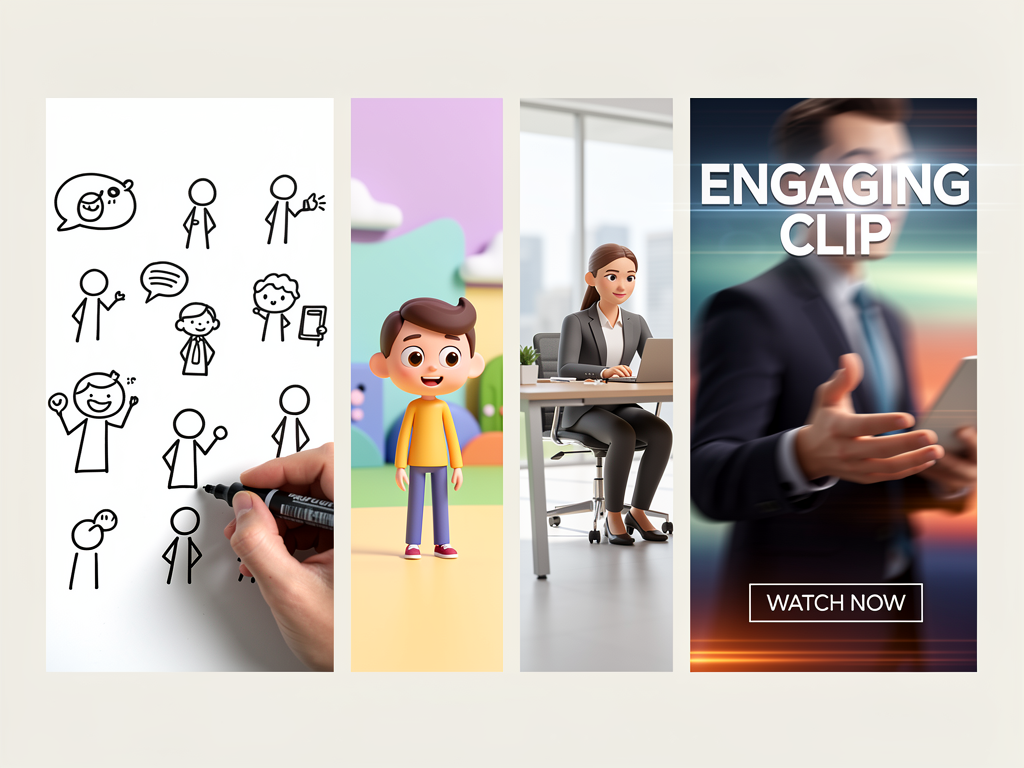
The Verdict: Top Explainer Video Makers for 2026
If you need to explain a concept fast—whether you're pitching investors, onboarding customers, or teaching a class—an explainer video maker saves you months of production work. The best choice depends on three things: your budget, the style you want (whiteboard, animated characters, live-action), and whether you need AI to do the heavy lifting or you're comfortable animating by hand.
Our pick for speed and AI-powered simplicity: Ankon AI — paste a script or upload a PDF, and it generates a narrated whiteboard animation in minutes. For character animation: Animaker or Powtoon. For live-action and polish: Synthesia. For budget-conscious teams: Doodly or Canva.
Here's how they stack up.
What makes a good explainer video maker in 2026?
The software you pick should handle three core jobs: turning your idea into visuals, adding narration, and exporting something you can share. Beyond that, the differences matter.
Speed is the first filter. Some tools let you generate a full video from a script in under 10 minutes; others require you to manually animate each scene. If you're on a deadline, that's a dealbreaker.
Ease of use is the second. You shouldn't need to be a designer or animator to make something that looks professional. Drag-and-drop, templates, and AI assistance all reduce the friction.
Cost is the third. Plans range from free-tier tools with watermarks to $300+/month studios. Most teams don't need the premium tier—a mid-range plan covers 80% of use cases.
Narration quality matters too. AI voiceover has gotten much better, but some tools still sound robotic. Native speaker support and voice cloning are now table-stakes for serious creators.
Ankon AI: Best for AI-powered whiteboard videos
Why pick it: Ankon AI generates narrated whiteboard animations from a script, PDF, or topic in under 10 minutes. You don't draw anything—the AI does. It's the fastest path from idea to finished video.
How it works: Paste your script, upload a PDF, or type a one-line topic. Ankon AI generates scenes, adds hand-drawn animations, and narrates in your choice of 13 languages. You can enhance videos with 2× more scenes for smoother pacing, add fact-checking, and clone your voice across all languages.
Pricing: Starter ($29/mo, 15 credits) covers roughly 7–8 videos per month. Plus ($69/mo, 40 credits) is the sweet spot for small teams. Pro ($119/mo, 75 credits) adds voice cloning. Studio ($249/mo, 160 credits) is for agencies. One credit = one minute of finished video (2-credit minimum). Annual billing saves ~20%. New users get 2 free credits to try it.
Best for: Educators, nonprofits, SaaS teams, and anyone who needs to ship fast without design skills. Not ideal if you want photorealistic animation or live actors.
Watermark: Active subscribers have no watermark. Free-tier videos show a small toggleable badge.
Synthesia: Best for live-action and AI avatars
Why pick it: Synthesia generates videos with AI avatars speaking your script. It feels like a real person on camera, but you never need to film or hire talent. Ideal for corporate training, product demos, and customer-facing content.
How it works: Write a script, pick an avatar (or upload your own), choose a voice, and render. Synthesia handles lip-sync, eye contact, and body language. You can add slides, images, and background music.
Pricing: Check Synthesia's site for current plans; they offer tiered subscriptions and per-video pricing.
Best for: Corporate training, sales videos, customer testimonials, and any scenario where a human face builds trust. Overkill for internal explainers or educational content.
Watermark: Depends on plan; higher tiers remove it.
Animaker: Best for character animation and flexibility
Why pick it: Animaker combines drag-and-drop animation with a huge library of characters, props, and scenes. You get more creative control than Ankon AI but less manual work than building from scratch in After Effects.
How it works: Choose a template or start blank. Drag characters and objects onto the canvas, set keyframes, add text and voiceover, and export. It's closer to a traditional animation tool but with guardrails to keep it simple.
Pricing: Check Animaker's site for current tiers; typically subscription-based with monthly or annual options.
Best for: Marketing teams, YouTube creators, and anyone who wants colorful, playful animations with character personalities. Not ideal if you need photorealism or ultra-fast turnaround.
Watermark: Removed on paid plans.
Powtoon: Best for quick, template-driven videos
Why pick it: Powtoon is the easiest entry point if you've never made a video. Hundreds of templates, stock footage, and music. Render times are fast, and the learning curve is flat.
How it works: Pick a template, customize text and images, add voiceover or music, and export. Most videos are done in 30 minutes or less.
Pricing: Check Powtoon's site for current plans; free tier with watermark, paid tiers unlock more templates and remove branding.
Best for: Small businesses, nonprofits, and solo creators on a tight timeline. Not ideal for highly customized or technical explainers.
Watermark: Free tier includes it; paid plans remove it.
Doodly: Best for budget-conscious whiteboard animation
Why pick it: Doodly is the cheapest whiteboard animation tool with a one-time purchase option (no subscription required). You get hand-drawn style, a library of assets, and voiceover built in.
How it works: Drag assets onto a whiteboard canvas, set timing, add voiceover, and export. It's more manual than Ankon AI but cheaper if you're a one-time buyer.
Pricing: Check Doodly's site for current pricing; one-time purchase or subscription available.
Best for: Freelancers, educators, and anyone who wants whiteboard style without a monthly bill. Slower than AI-generated tools; requires more hands-on work.
Watermark: Removed on paid plans.
Canva: Best for all-in-one design and video
Why pick it: Canva isn't a dedicated video tool, but its video editor is surprisingly capable. Thousands of templates, stock video, music, and text effects. Great for social media clips, short explainers, and branded content.
How it works: Start with a video template, customize colors and text, add voiceover or music, and export. Most videos are 15–60 seconds.
Pricing: Canva Pro ($180/year or $15/mo) unlocks premium templates and stock assets.
Best for: Social media teams, small businesses, and anyone already using Canva for design. Not ideal for long-form or technical explainers.
Watermark: Removed on Pro plans.
How to choose: A quick decision tree
Do you want AI to generate the video from a script? - Yes → Ankon AI (whiteboard) or Synthesia (live avatar). - No → Animaker, Powtoon, Doodly, or Canva.
What's your budget? - Under $50/mo → Doodly (one-time) or Canva Pro. - $50–$150/mo → Ankon AI Starter/Plus or Powtoon. - $150+/mo → Synthesia, Animaker Pro, or Ankon AI Pro/Studio.
What style do you need? - Whiteboard → Ankon AI or Doodly. - Character animation → Animaker or Powtoon. - Live avatar → Synthesia. - Social clips → Canva.
How much time do you have? - Under 30 minutes → Ankon AI or Powtoon. - 1–2 hours → Animaker or Canva. - Flexible → Doodly (more control, slower).
Pricing comparison at a glance
| Tool | Entry Price | Best For | Speed | Learning Curve |
|---|---|---|---|---|
| Ankon AI | $29/mo (15 credits) | Fast AI whiteboard | <10 min | Very low |
| Synthesia | Check site | Live avatars | 15–30 min | Low |
| Animaker | Check site | Character animation | 30–60 min | Medium |
| Powtoon | Free (with watermark) | Quick templates | 20–40 min | Very low |
| Doodly | Check site | Budget whiteboard | 45–90 min | Low |
| Canva | $15/mo or $180/year | Social clips | 10–20 min | Very low |
Common questions about explainer video makers
Can I use these tools without any video experience? Yes. All six tools are designed for non-professionals. Ankon AI and Powtoon require the least skill—you just paste text or pick a template. Doodly and Animaker require a bit more hands-on work but are still beginner-friendly.
Do I need to pay for voiceover separately? No. All six tools include AI text-to-speech voiceover. Quality varies; Ankon AI and Synthesia have the most natural-sounding voices. You can also upload your own audio if you prefer.
Can I remove the watermark? Yes, on all paid plans. Free tiers include a watermark or badge. Ankon AI's free tier shows a small toggleable badge; you can turn it off.
How long does it take to make a video? With Ankon AI or Powtoon, 10–30 minutes. With Animaker or Doodly, 45 minutes to 2 hours. Synthesia is 15–30 minutes. The more control you want, the longer it takes.
Can I edit after rendering? Yes. All tools let you re-edit and re-render. Some (like Ankon AI) offer fast render, so iterations are quick.
What if the video doesn't render? Ankon AI auto-refunds failed renders—you don't lose credits. Other tools vary; check their support pages.
The bottom line
If you need a whiteboard explainer video now and don't want to spend hours animating, Ankon AI is the fastest path. Paste a script, get a finished video in under 10 minutes, and pay only for what you use (starting at $29/mo for 15 credits, or try it free with 2 credits).
If you want character animation or a live avatar, Animaker and Synthesia are worth the extra time and cost. If you're on a shoestring budget, Powtoon and Canva are solid free-to-paid options.
The best explainer video maker is the one you'll actually use. Pick the tool that matches your timeline, budget, and style—then ship it.